
A skill gives an AI agent a specialized capability—a repeatable workflow, a preferred reasoning style, or a particular kind of output. An Agent App wraps that capability in a simple interface so other people can use it without replaying your prompts or learning the skill file.
This guide is a practical how-to for the keyword anatomy skill agent app: turn the Anatomy skill into a shareable Frevana-style Agent App in about five minutes. Anatomy builds interactive isometric explainers; the same pattern works for many other skills. Author: Clipwedge. No traffic or ranking claims—just the steps.
What You Will Build
The finished Agent App has three parts:
- An input where someone types a topic they want explained.
- The Anatomy skill attached so the agent can build an interactive visual explanation.
- A clear primary action that starts generation and shows the result.
You do not hand-code the UI. You describe the experience, attach Anatomy, let the builder create a first version, then review, test, and share a public link.
Step 1: Start with a Focused App Prompt
Open the Frevana (or Clipwedge-style) app builder and describe the outcome a first-time user should get. A strong prompt names the skill, the interaction, and the result—without micromanaging every pixel.
Example prompt you can paste:
Create an agent app that uses Anatomy to explain any topic interactively.
Let users enter a topic, then use Anatomy to create a clear interactive explanation.
Then add the Anatomy skill to the prompt and select Start to generate the Agent App.
Why this prompt works:
- Capability — use Anatomy, not a generic text chat.
- User input — the person names the topic.
- Experience — the explanation should feel interactive.
- Outcome — a clear explainer, not an open-ended conversation.
You can later add audience, tone, or output rules (for example age-appropriate language). Start with the core workflow first.
Step 2: Review the Generated Agent App
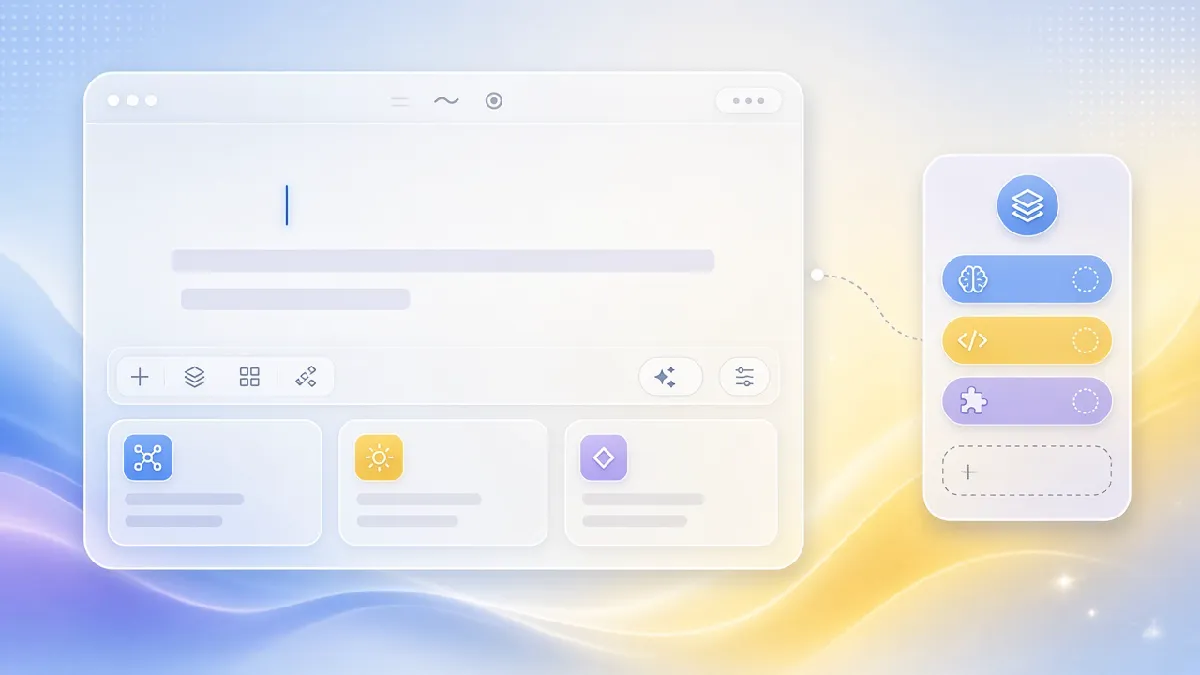
When the first build is ready, review it as a product—not only as a model reply. Check that:
- The purpose is obvious at a glance.
- It is clear what the user should type.
- The primary action is easy to find.
Useful ways to iterate:
- Use the prompt field for broader changes (simpler onboarding, more input context, different presentation).
- Use element selection to tweak one label or layout piece without rewriting the whole app.
When the draft feels focused enough, select Create an Agent App (or the equivalent finalize control) to lock the build.
Step 3: Test the Workflow with a Real Topic

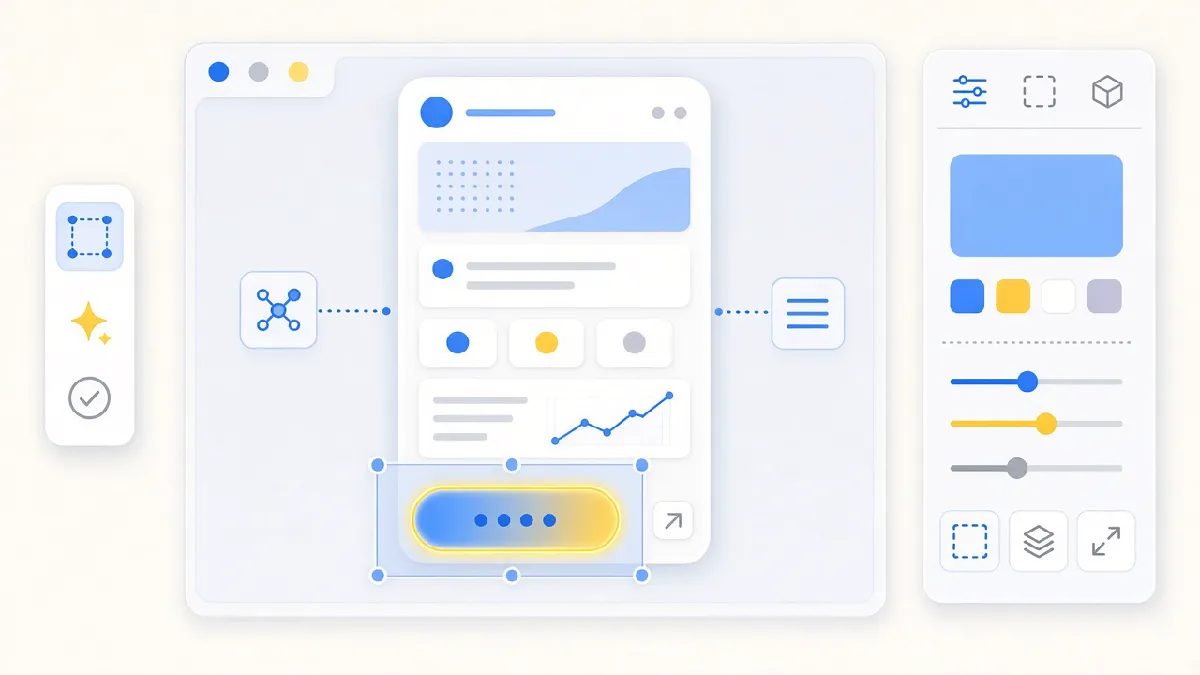
Before sharing, run the app with a realistic request. For the Anatomy explainer, try a topic such as how attention works in a Transformer, then select Build the explainer (or your app’s primary action).
Ask yourself:
- Is the input instruction clear to a first-time user?
- Does the main action say what will happen next?
- Does the result match the depth and format you expect from Anatomy?
- Could a teammate use it without extra coaching?
If any answer is no, return to the editor and make a small, targeted change. Reliability beats polish on the first pass.
Step 4: Review the Finished Experience

When generation finishes, the app should present an interactive visual—not only a wall of text. Anatomy’s value is showing structure (parts, flow, relationships) so the reader can explore the idea.
This is why wrapping a skill in an Agent App matters: the skill still does the specialized work, while users get a purpose-built path. They do not need to know which skill to invoke or how to sequence prompts—they start from the task in front of them.
Step 5: Share the Agent App
When you are satisfied, select Share Agent App (or equivalent) to publish a public link. Anyone with the link can open the app in a browser and run it with their own account.
Sharing turns a personal workflow into something teammates, customers, or a wider audience can use directly—the interface, the skill-powered steps, and the outcome you designed—not a copy of one private chat.
A Reusable Pattern for Any Skill
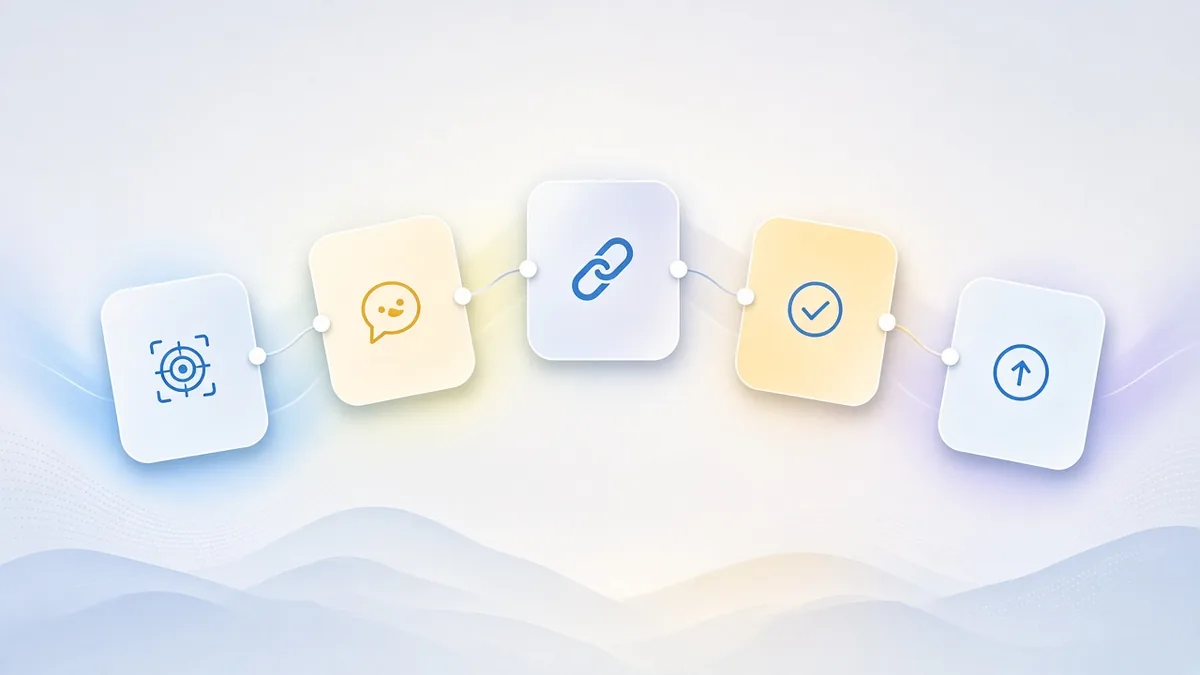
The Anatomy example follows a pattern you can reuse:
- Identify the repeatable outcome the skill can produce.
- Describe a focused user experience around that outcome.
- Add the skill and generate the first Agent App.
- Test with real inputs and refine the UI or instructions.
- Publish a link when the workflow is ready for others.
The clearer the user’s task and the expected result, the more useful the first version will be. Keep iterating as the workflow evolves.
Next Steps
Pick one task people already repeat—explaining a concept, preparing a recurring report, reviewing a document, or collecting structured information. Ship a small, focused Agent App first. Share it, watch how people use it, then improve the experience.
Related reading on this site: What is a personal agent? and What is AIGC?.
That is how a specialized skill becomes practical software: the agent keeps the intelligence; the Agent App gives people a simple way to put it to work.